A Parent's Guide to Supporting Digital Learning at Home
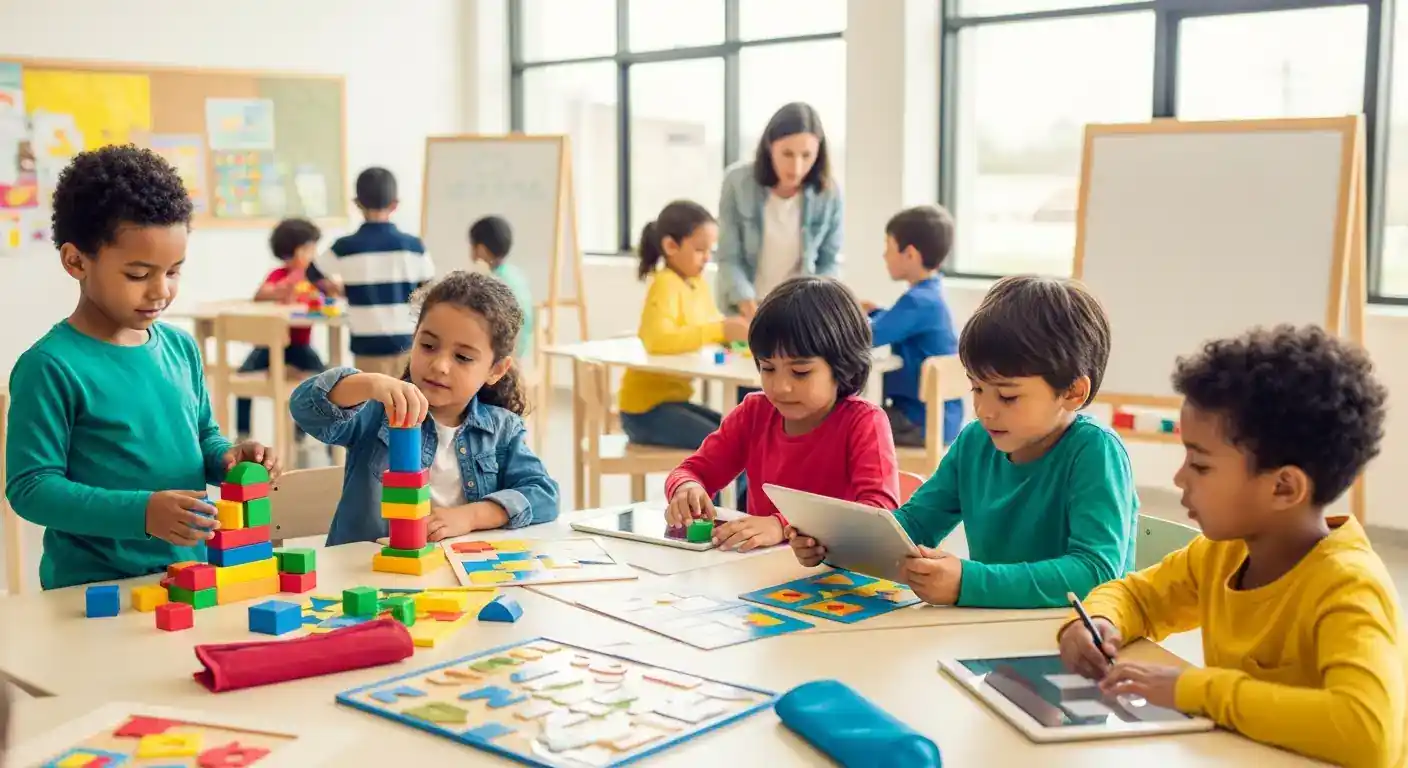
Digital learning is increasingly prevalent, making parental support crucial for student success. This guide provides practical advice for parents navigating the digital learning landscape at home, covering everything from setting up a productive learning environment to choosing effective educational apps and ensuring online safety.
Key Points:
- Creating a conducive learning space
- Selecting appropriate educational apps
- Promoting online safety and digital wellness
- Fostering effective communication with educators
- Balancing screen time and other activities
Creating a Supportive Environment for Digital Learning at Home
A dedicated learning space free from distractions is essential. This helps children focus and maximize their learning potential. Consider a quiet corner, a desk in their room, or even a designated spot at the kitchen table. Ensure good lighting and comfortable seating. Keep distractions like TVs and gaming consoles out of sight.
Choosing the Right Educational Apps and Software
The sheer number of educational apps can be overwhelming. Look for apps that align with your child's curriculum and learning style. Prioritize apps that are interactive, engaging, and offer personalized feedback. Consider age appropriateness and ensure the app's privacy settings are robust.
Navigating Digital Learning Platforms
Many schools use digital learning platforms like Google Classroom or Moodle. Familiarize yourself with these platforms to effectively monitor your child's assignments and progress. Don't hesitate to reach out to teachers for assistance.
Ensuring Online Safety and Digital Wellness for Students
Online safety is paramount in the digital age. Teach your child about responsible online behavior, including protecting their personal information and avoiding inappropriate content. Establish clear rules for internet usage and monitor their online activities. Encourage regular breaks to prevent eye strain and promote physical activity.
Promoting Healthy Screen Time Habits
Balance is key. While digital learning is important, excessive screen time can be detrimental. Encourage offline activities like reading, playing outdoors, and spending time with family. Set clear limits on recreational screen time and stick to them.
Fostering Effective Communication with Educators in Digital Learning
Open communication with teachers is vital. Regularly check in with your child's teachers to discuss their progress and address any concerns. Participate in virtual parent-teacher conferences and stay informed about school announcements. This collaborative approach ensures your child receives the necessary support.
Supporting Digital Learning Through Effective Communication
Staying connected with your child's teachers can make a significant difference in their digital learning journey. Utilize email, school messaging platforms, or even phone calls to maintain regular communication. Actively participate in online discussions and forums to connect with other parents and share valuable insights.
This focus on communication, particularly in the digital space, is a key differentiating factor from other resources that might not emphasize this modern aspect of educational support. Another point of differentiation is the emphasis on digital wellness, a growing concern in today's hyper-connected world, which is often overlooked in traditional parenting guides.
A 2024 study by the National Education Association (NEA) highlighted the importance of parental involvement in digital learning. The study found that students whose parents actively engaged in their online learning experienced greater academic success. Similarly, a 2023 report by Common Sense Media emphasized the need for clear guidelines on screen time management for children.
Internal Link Suggestions:
- Anchor Text: educational apps, Target Page: /categories/educational-apps-software (Category)
- Anchor Text: online safety, Target Page: /articles/online-safety-tips-for-kids (Related Article)
- Anchor Text: screen time management, Target Page: /articles/balancing-screen-time-for-children (Related Article)
FAQ: Supporting Digital Learning at Home
Q1: How can I help my child stay focused during online classes?
A1: Create a dedicated learning space free from distractions. Establish clear rules and expectations for online learning time. Use timers to break down tasks into manageable chunks and offer short breaks for movement and refreshments. Positive reinforcement can also be very effective.
Q2: What are some good educational apps for elementary school students?
A2: Khan Academy Kids, ABCmouse, and Prodigy Math are popular choices. Look for apps that align with your child's curriculum and learning style. Consider apps that offer personalized learning paths and engaging activities. Always check reviews and age appropriateness.
Q3: How can I ensure my child’s online safety?
A3: Teach your child about responsible online behavior, including protecting personal information and avoiding inappropriate content. Utilize parental control software and monitor their online activity. Open communication is key – encourage your child to talk to you about anything they encounter online.
Q4: How do I balance screen time for my child with other activities?
A4: Set clear limits for recreational screen time and stick to them. Encourage offline activities such as reading, playing outdoors, and engaging in hobbies. Create a daily schedule that includes a balance of online and offline activities. Family time should also be prioritized.
Conclusion and Next Steps
Supporting your child's digital learning journey requires proactive involvement and open communication. By creating a supportive environment, choosing appropriate resources, and prioritizing online safety, you can empower your child to thrive in the digital age. Share your experiences and tips in the comments below and subscribe for more helpful resources. For further reading, explore resources from organizations like the Parent Teacher Association (PTA) and the National PTA. This guide will be updated quarterly to reflect the latest trends and best practices in digital learning.
Expandable Subtopics for Future Updates:
- Incorporating gamification into digital learning
- Addressing learning gaps in a digital environment
- Supporting children with special needs in digital learning