Creating Accessible Digital Learning Environments for All Students
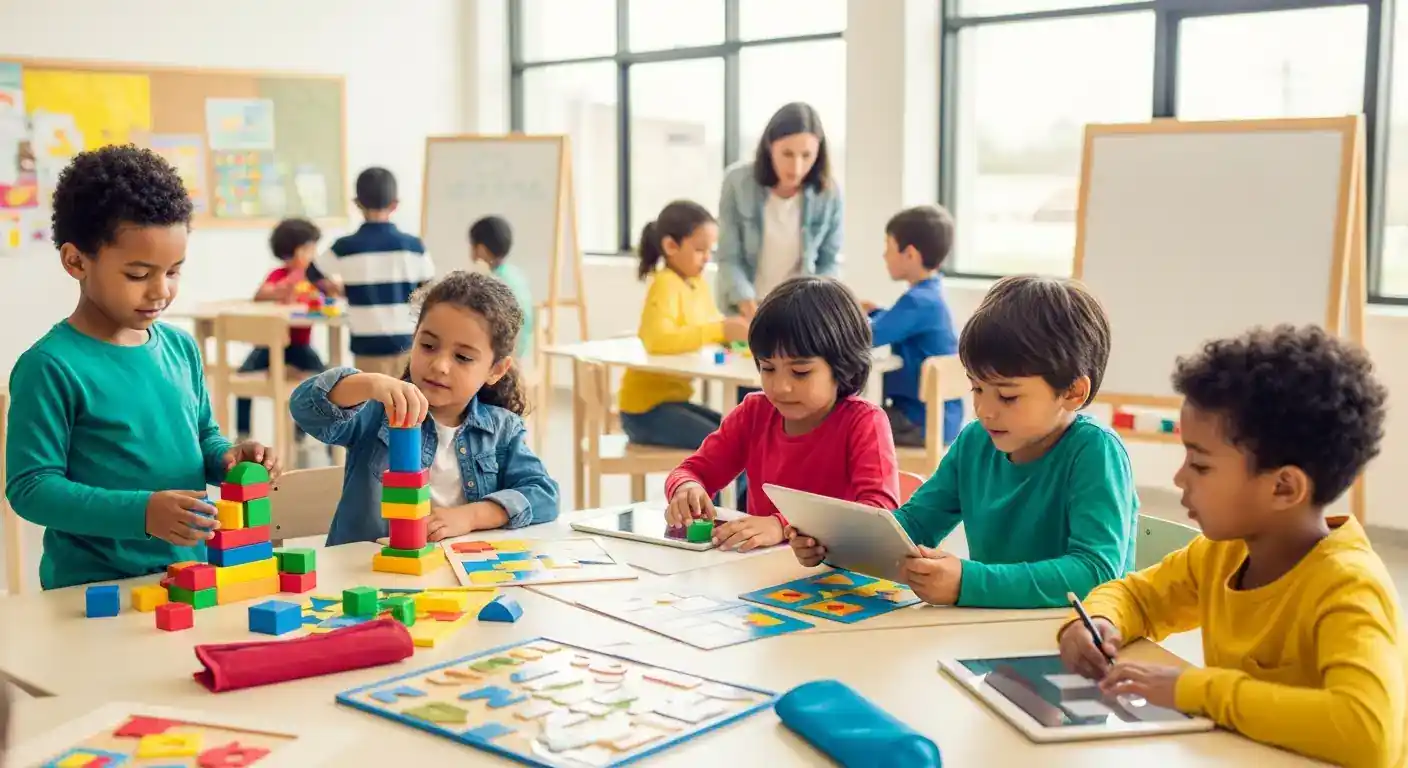
Creating accessible digital learning environments is crucial for inclusive education. This ensures all students, regardless of ability, can participate and thrive. By incorporating Universal Design for Learning (UDL) principles and utilizing assistive technologies, educators can create dynamic and equitable learning experiences.
Key Points:
- Prioritize Universal Design for Learning (UDL).
- Utilize assistive technologies.
- Provide multiple means of representation, action, and engagement.
- Regularly evaluate and improve accessibility.
- Train educators on accessibility best practices.
Creating Accessible Digital Learning Environments: A Comprehensive Guide
Accessible digital learning environments benefit all students, not just those with disabilities. By designing with accessibility in mind, we create more engaging and flexible learning experiences. This approach allows students to access information and demonstrate their understanding in ways that suit their individual learning styles and needs.
Building Inclusive Digital Learning Experiences with UDL
Universal Design for Learning (UDL) provides a framework for creating flexible learning environments that cater to diverse learners. UDL emphasizes multiple means of representation, action, and engagement. This means presenting information in various formats (text, audio, video), offering diverse ways for students to interact with the material, and providing options for students to demonstrate their learning.
Utilizing Assistive Technologies for Accessible Digital Learning
Assistive technologies play a vital role in creating accessible digital learning environments. These tools can range from simple text-to-speech software to more complex augmentative and alternative communication devices. By integrating assistive technologies, educators can empower students with disabilities to access the curriculum and participate fully in learning activities.
For instance, a student with a visual impairment can benefit from screen readers that convert text to audio. Similarly, students with dyslexia can utilize text-to-speech software and dyslexia-friendly fonts. Providing access to these tools is crucial for ensuring equitable access to digital learning. A 2024 study by the National Center for Accessible Media (NCAM) highlighted the positive impact of assistive technologies on student engagement and learning outcomes.
Accessible Digital Learning Environments: Best Practices
Creating truly accessible digital learning environments requires ongoing effort and attention to detail. Here are some best practices to consider:
- Provide captions and transcripts for all audio and video content. This benefits students who are deaf or hard of hearing, as well as those who prefer to learn through reading.
- Use alternative text (alt text) for all images and graphics. Alt text describes the image for students who are blind or visually impaired, allowing them to understand the visual content.
- Ensure all digital content is keyboard navigable. This allows students who cannot use a mouse to access and interact with the material.
- Design content with clear and concise language. Avoid jargon and complex sentence structures. Use headings and subheadings to break up large blocks of text.
- Choose accessible digital tools and platforms. When selecting digital learning tools, prioritize those that are designed with accessibility in mind.
Evaluating and Improving Accessibility in Digital Learning
Regularly evaluating the accessibility of your digital learning environment is crucial. This can involve using accessibility checkers, conducting user testing with students with disabilities, and seeking feedback from accessibility experts. Continuous improvement based on feedback is essential for creating truly inclusive learning experiences.
Differentiated Value: Embracing Emerging Technologies and Personalized Learning
Two key areas where this article differentiates itself are the emphasis on emerging technologies like AI-powered personalization tools for accessibility and the integration of personalized learning pathways. This allows educators to tailor the learning experience to individual student needs, maximizing engagement and promoting mastery for all. This aligns with the 2025 Horizon Report’s focus on personalized learning as a key trend in educational technology.
Internal Linking Strategy:
- Anchor text: "Universal Design for Learning (UDL)" - Target: /categories/digital-assessment-tools (Category)
- Anchor text: "assistive technologies" - Target: /articles/assistive-technologies-in-education (Related Article)
- Anchor text: "personalized learning" - Target: /articles/personalized-learning-strategies (Related Article)
FAQ: Accessible Digital Learning
Q1: What is the difference between accessibility and accommodation?
A1: Accessibility refers to designing learning environments that are usable by everyone, regardless of ability. Accommodation is a specific modification or adjustment made for an individual student to address their specific needs. Accessibility is proactive, while accommodation is reactive.
Q2: How can I make my online assessments accessible?
A2: Accessible online assessments should provide alternative formats (e.g., audio, Braille), extended time, and assistive technology compatibility. Ensure clear instructions and simple language. Consider incorporating Universal Design for Learning principles.
Q3: What are some common accessibility barriers in digital learning?
A3: Common barriers include lack of captions/transcripts, inaccessible PDFs, poor color contrast, lack of keyboard navigation, and complex navigation structures. Inaccessible online learning platforms can also significantly hinder student learning.
Q4: Where can I find resources for creating accessible digital content?
A4: Resources are available from organizations like the Web Accessibility Initiative (WAI), the National Center on Disability and Access to Education (NCDAE) (2023 report on digital accessibility), and the Center for Applied Special Technology (CAST) (UDL Guidelines, updated 2024).
Conclusion: Building a More Inclusive Future
Creating accessible digital learning environments is not just a legal requirement; it's a moral imperative. By prioritizing accessibility, we can empower all students to reach their full potential. We encourage you to share your experiences and best practices in the comments below. Subscribe to our newsletter for more insights on digital learning and assessment. For further reading, explore resources on inclusive design and accessible educational technologies.